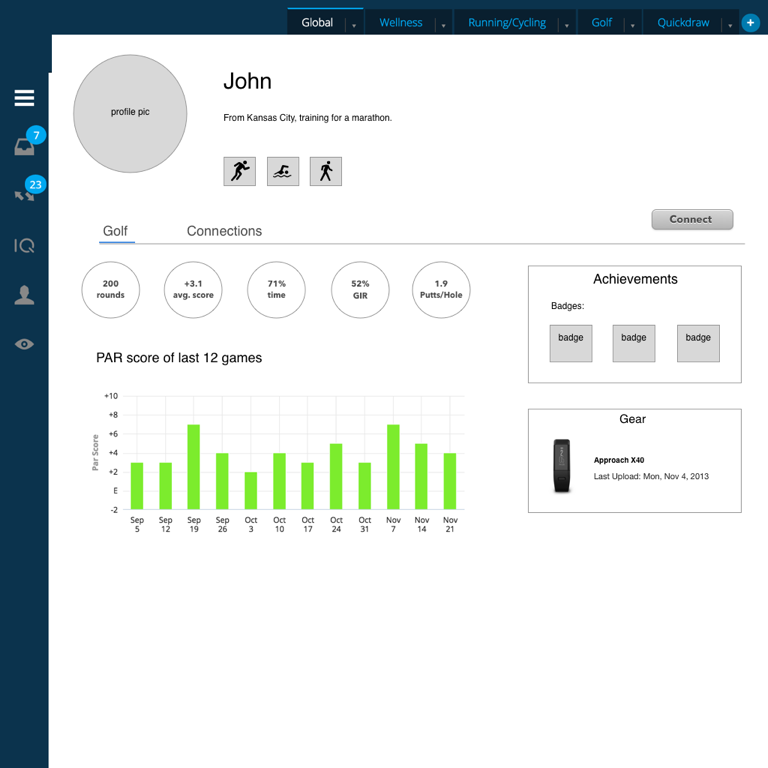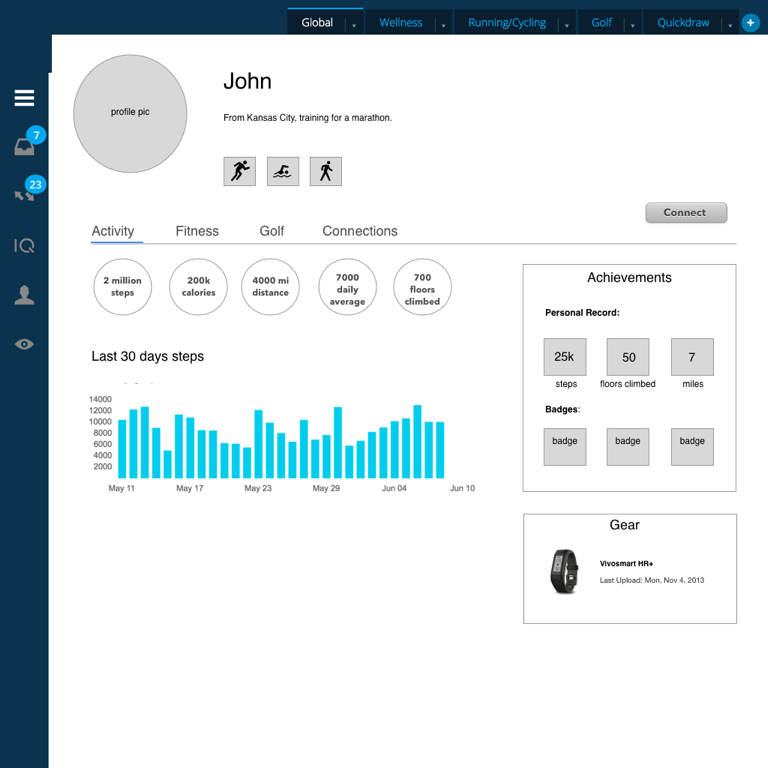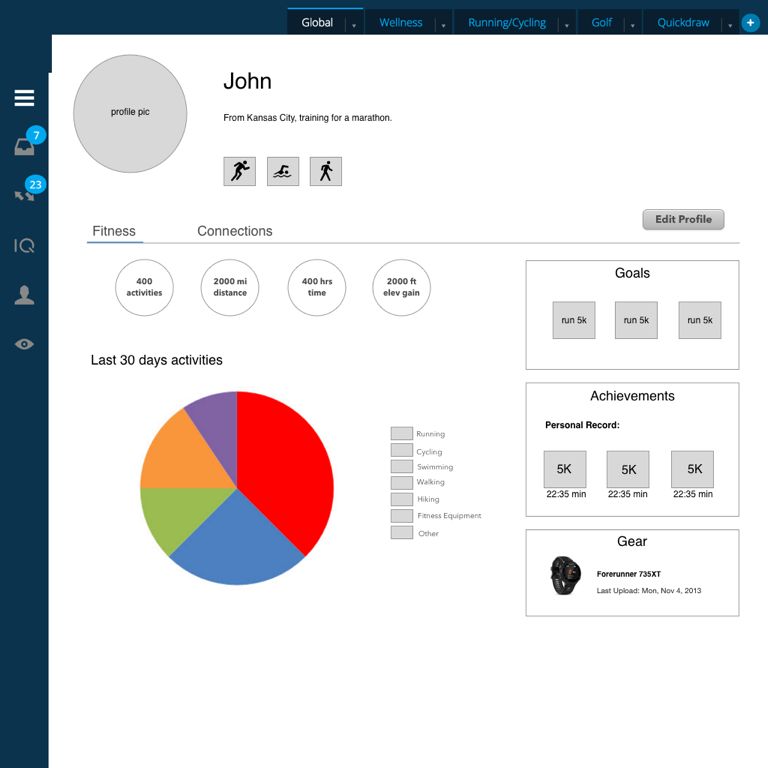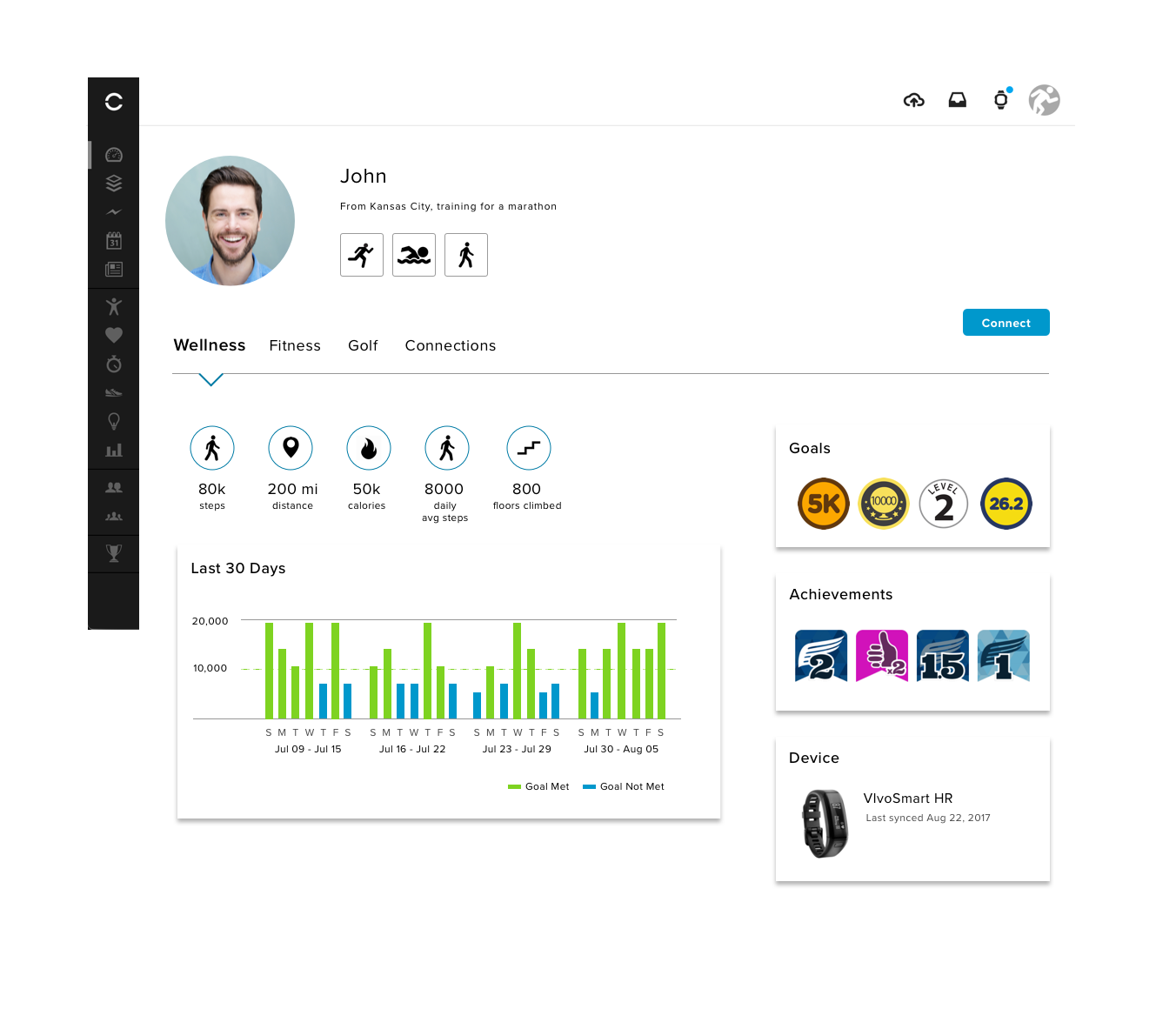
While interning at Garmin in the summer of 2016, I redesigned wellness, activity, and golf user's profile on the web app, Garmin Connect. The wireframes I created were based off of user research, as well decisions from business analysts and product owners. These designs will help guide Garmin Connect's mobile team when redesigning the user profile for Android and iOS. My designs will soon be in the development phase.

STARTING POINT
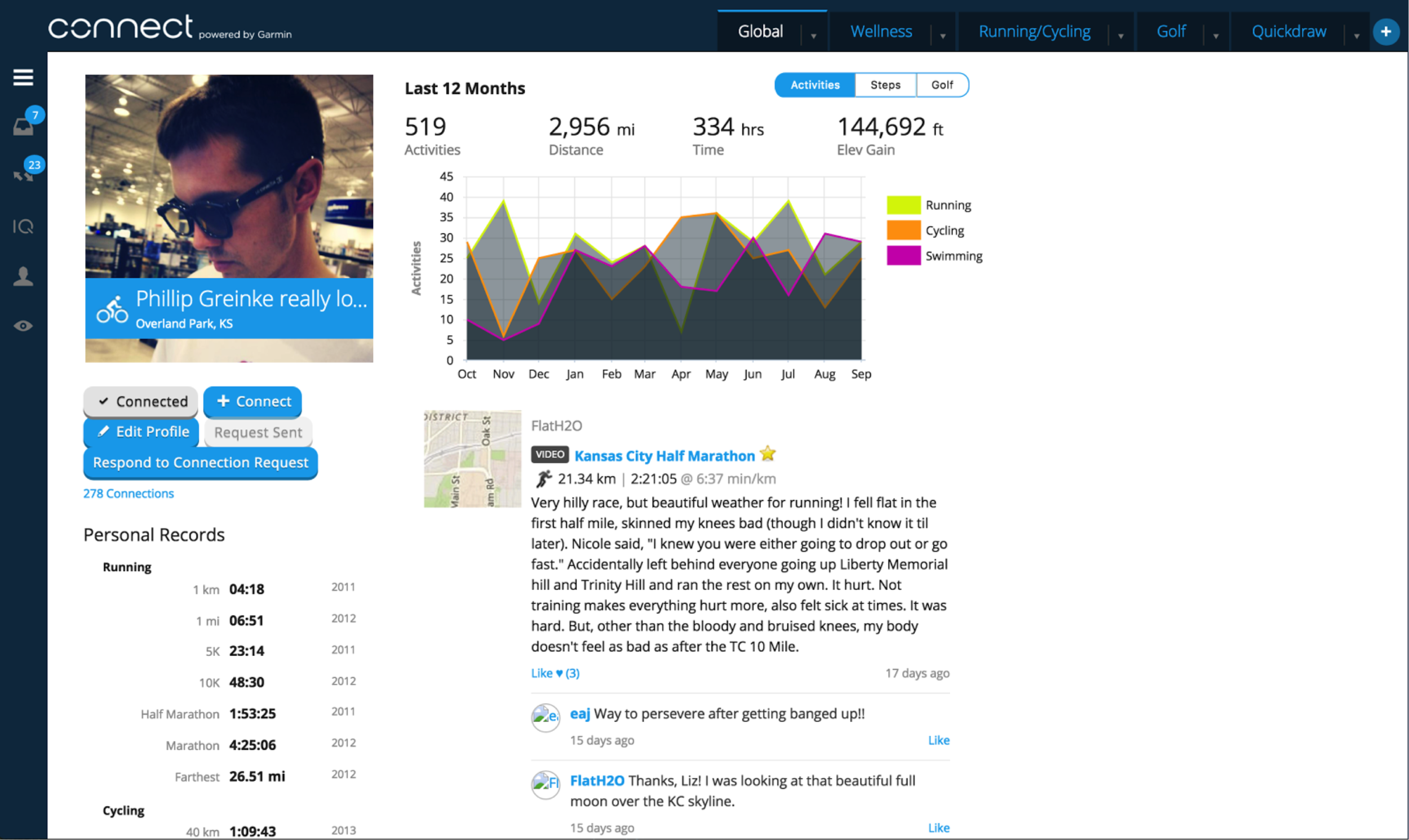
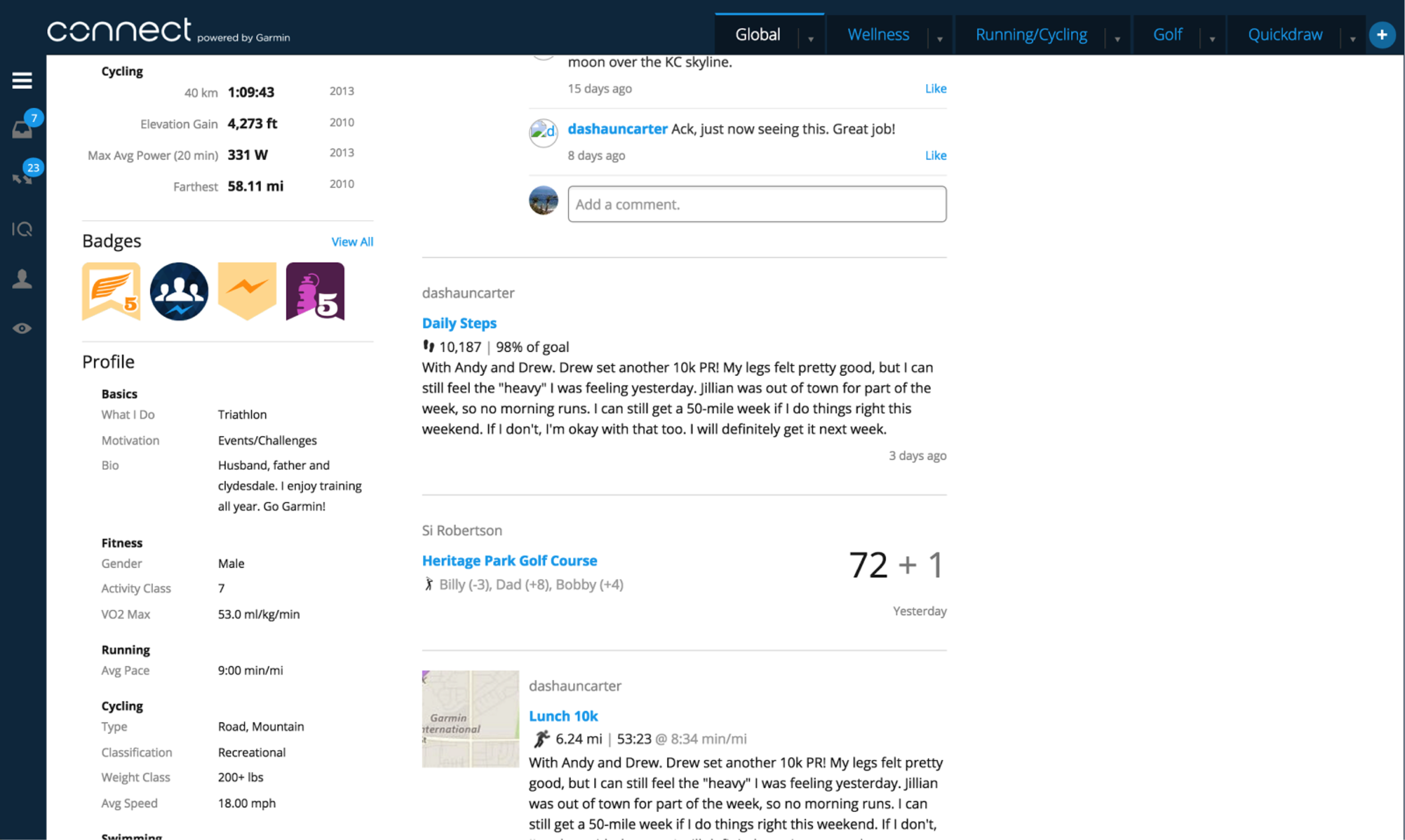
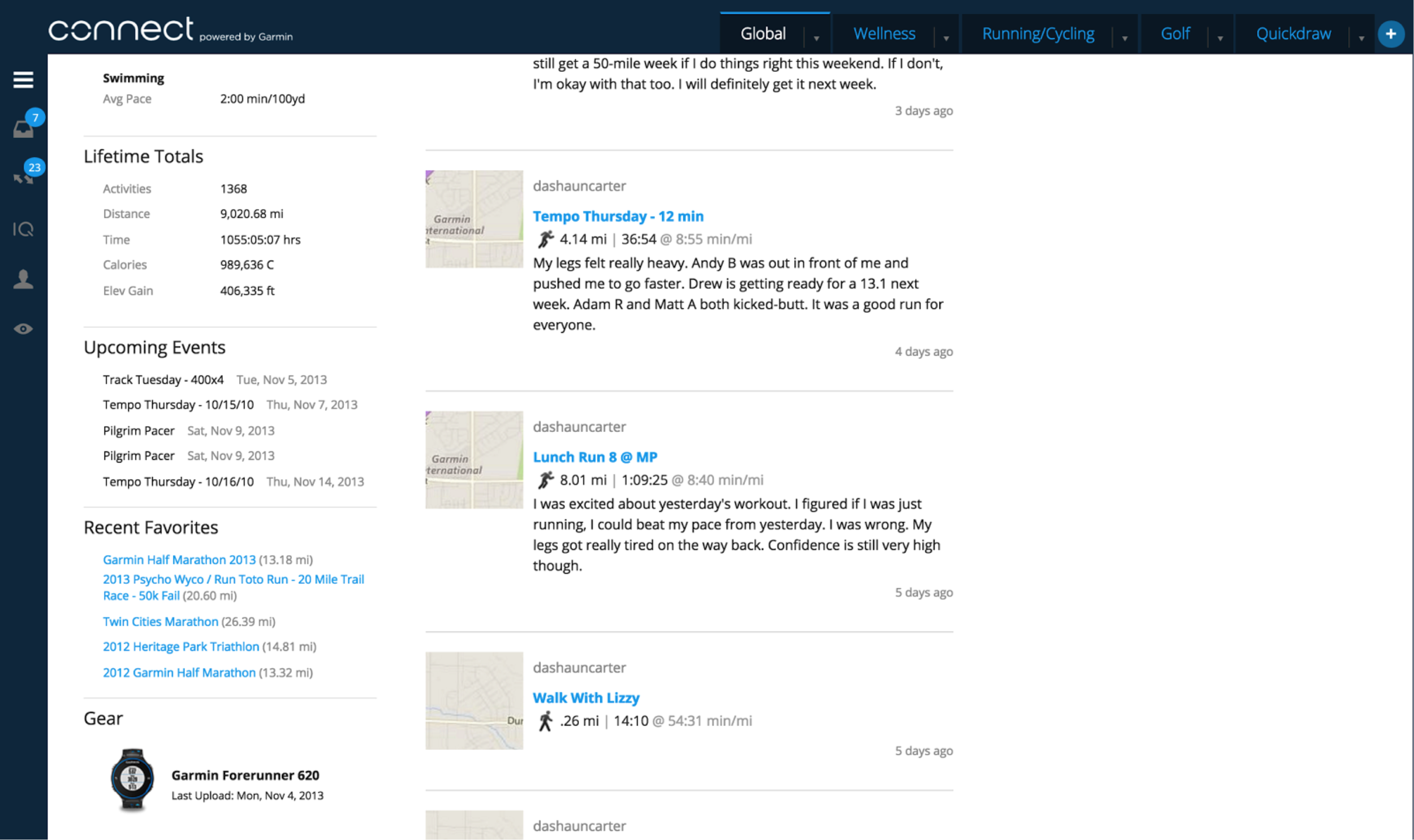
Below is what the profile of Garmin Connect users looked like at the beginning of this project. It contained several amounts of specific data about the user, duplicative of what is found on a user's personal dashboard. Click on images to enlarge
RESEARCH METHODS
As Garmin's Device Interactions UX department had no direct contact with its user base, I found other means of conducting research to gain insights into what features are necessary within a user profile.
Forums
Browse through Garmin and Fitbit forums to discover common themes, from there search the themes found that relate to the user’s profile. Use quantitative methods in order to form findings.
Comparative/Competitive Analyses
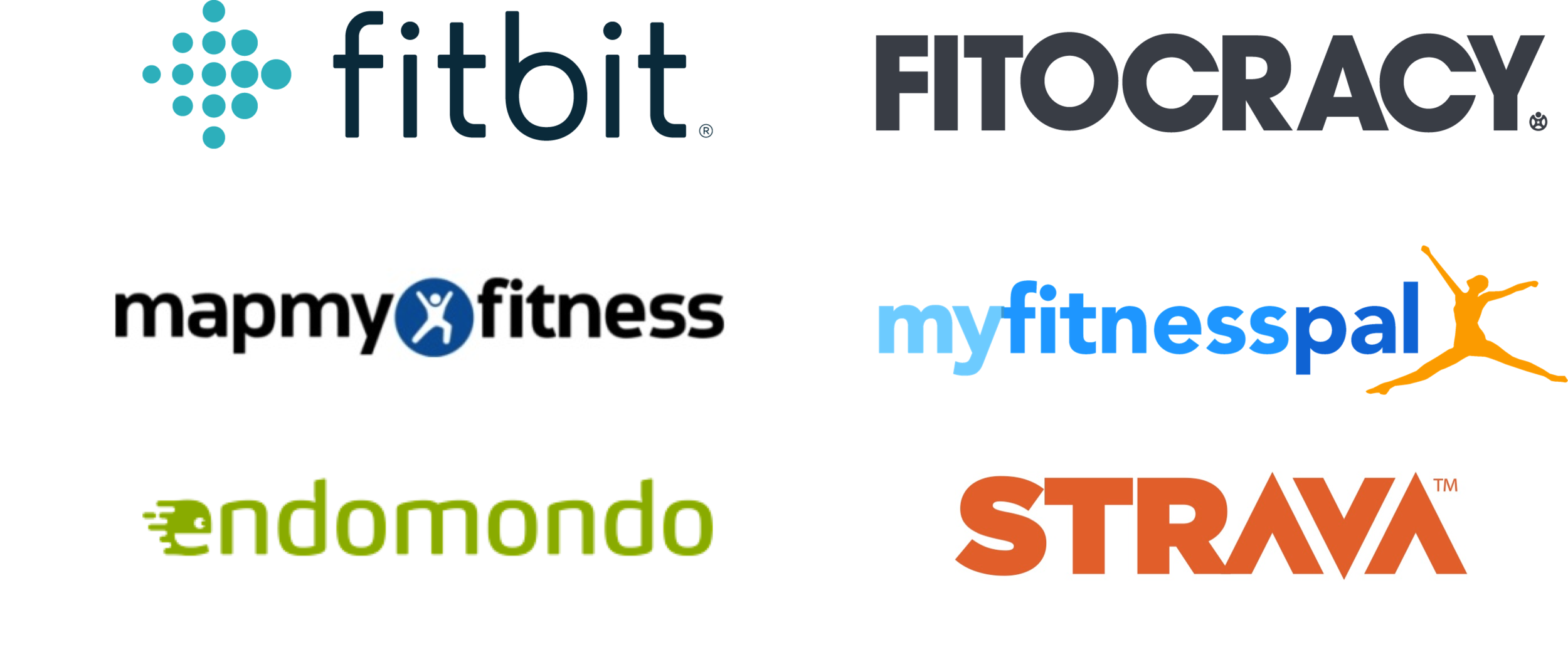
Conduct competitive and comparative analyses to discover what features certain products and web applications implement in comparison to Garmin Connect. The following products and web applications were analyzed:
FINDINGS
Forums
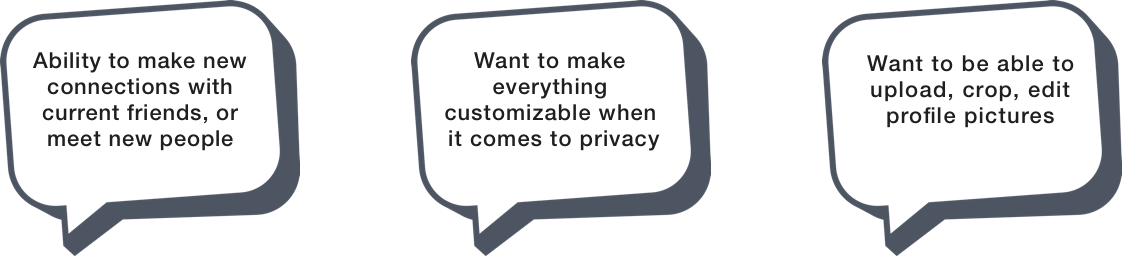
Both the Garmin Connect and Fitbit forums had several overlapping themes that left users questioning the ways in which they connect with others, the information they share, and their profile images. Both users wanted:
Comparative/Competitive Analyses
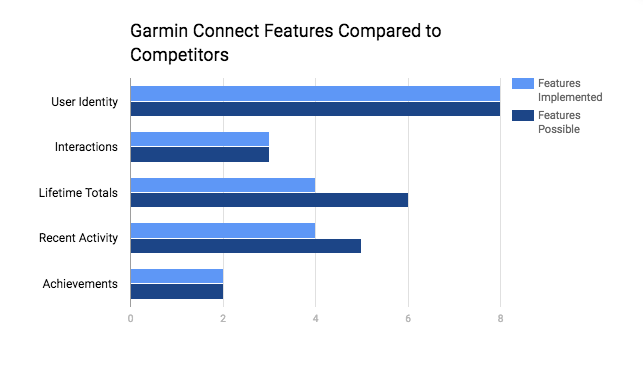
In order to see the feature similarities and differences between comparators and competitors in relation to Garmin Connect’s user profile, quantitative methods were used in the following areas:
Personas
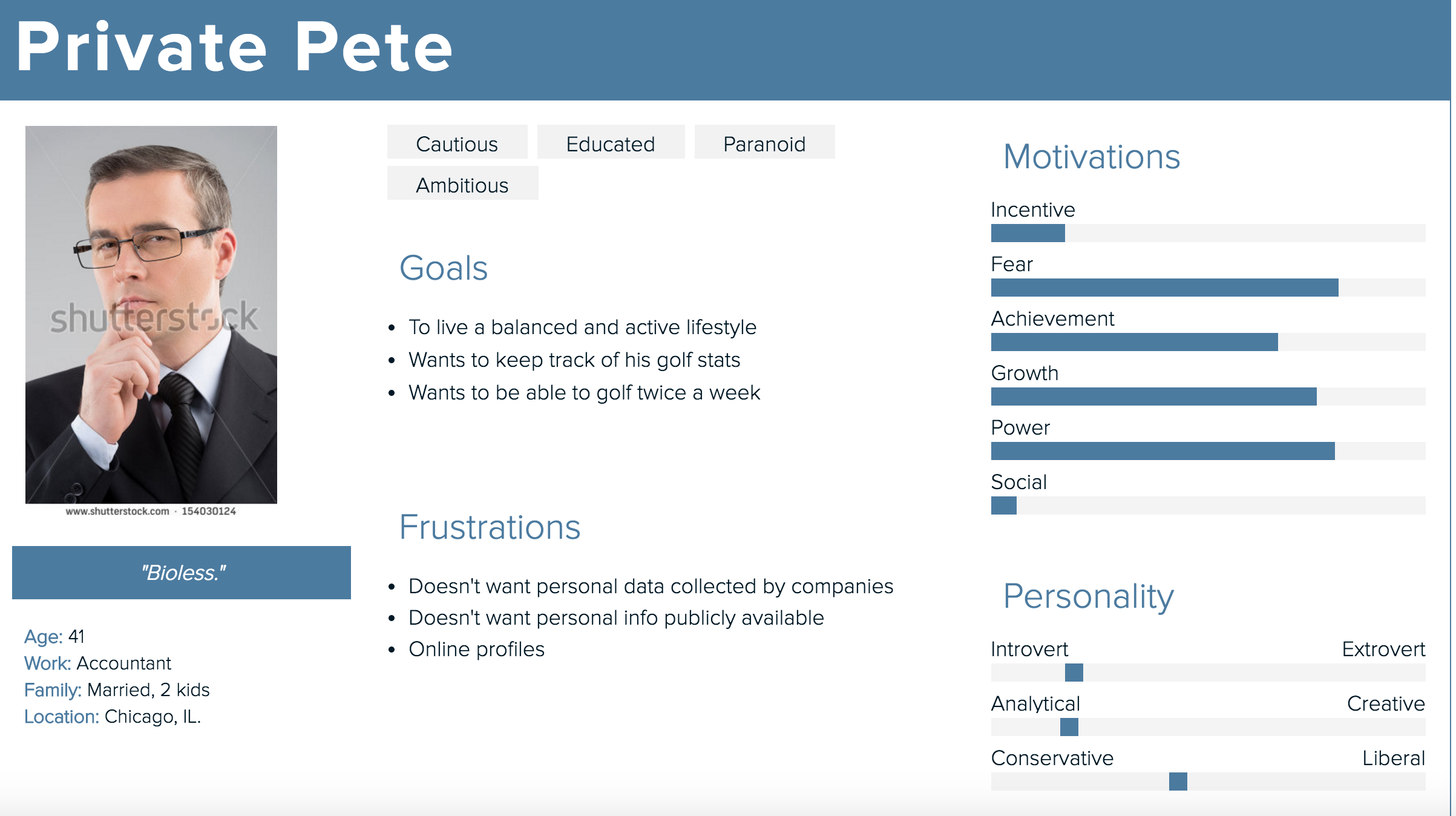
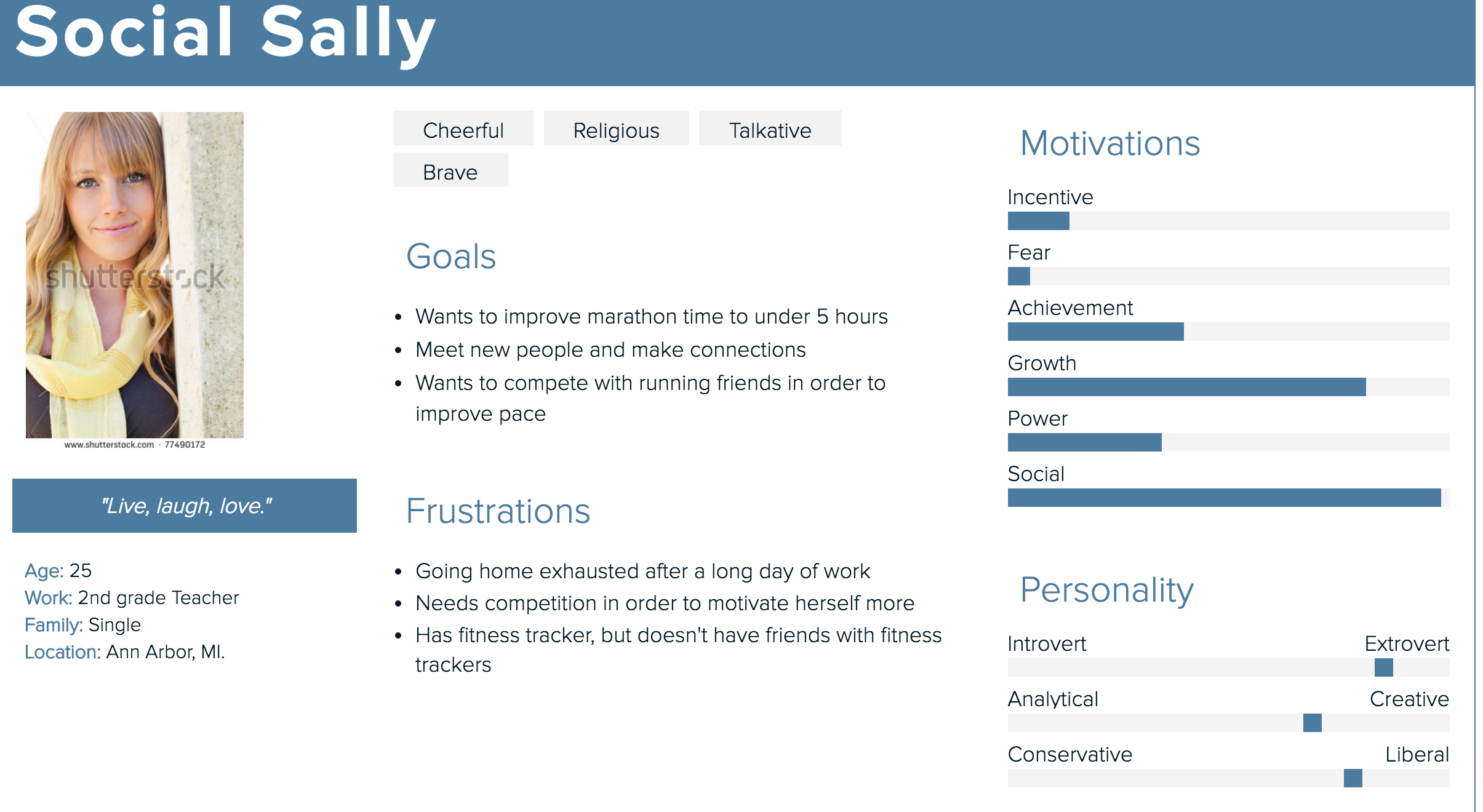
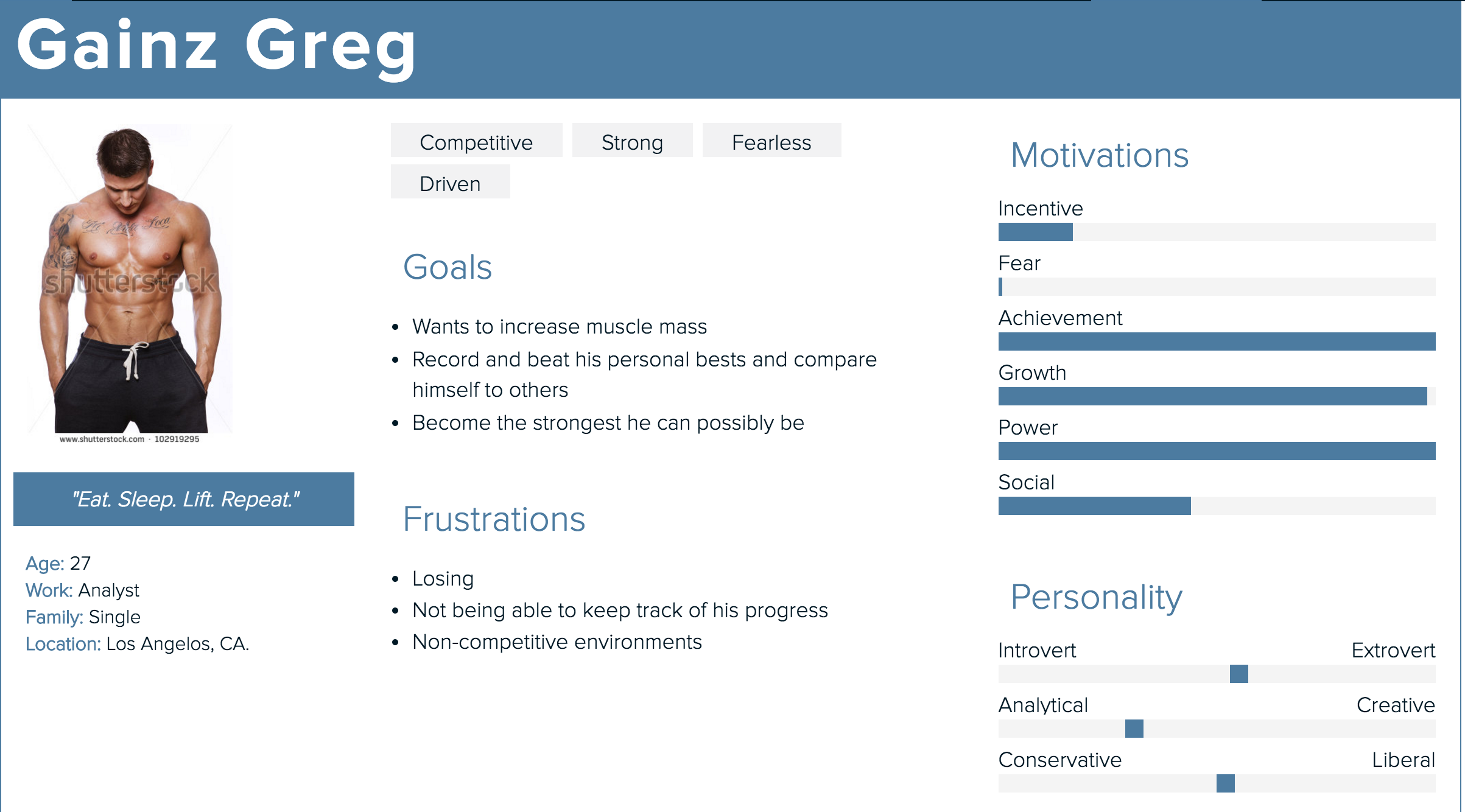
Based on the information found within the forums section, three personas were generated in relation to what users sought from either their Garmin or Fitbit device. Click on images to enlarge
Design
Wireframes